Import app context
Start with an App Store URL or upload raw screenshots directly. AppShotty can use your icon, screenshots, app name, and description as creative context.
App Store screenshot generator
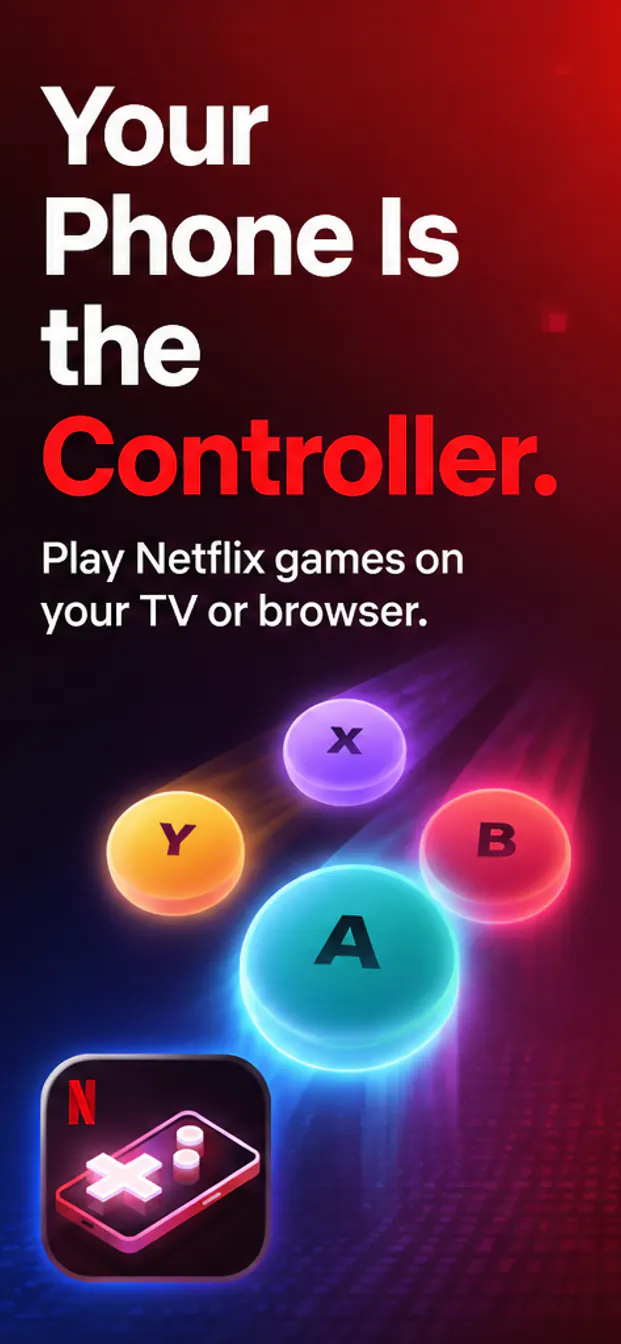
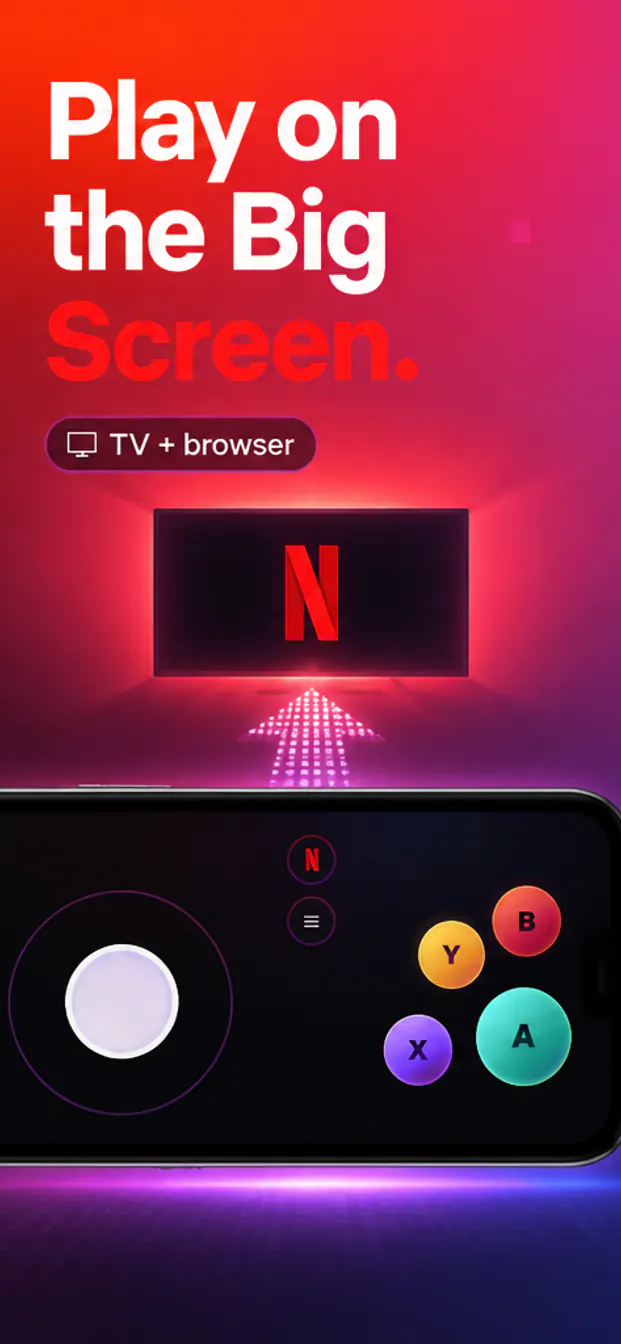
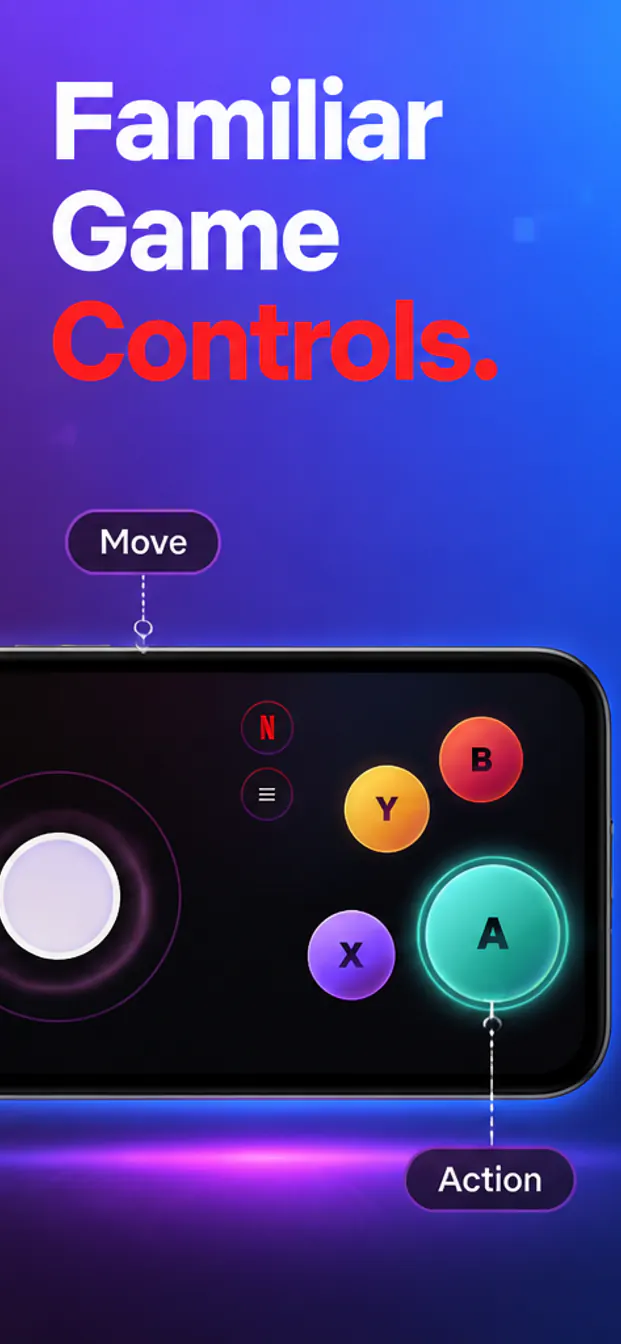
AppShotty helps you turn a public App Store URL or uploaded raw screenshots into polished 1242x2688 App Store screenshots with benefit-led copy and cohesive visual direction.
Workflow
Use AppShotty when you need 1242x2688 app screenshots that look designed, not assembled from a blank canvas.
Start with an App Store URL or upload raw screenshots directly. AppShotty can use your icon, screenshots, app name, and description as creative context.
AI creates screenshot concepts with strong hooks, clean device presentation, and visual systems that fit the app category.
Download individual App Store screenshot panels or a ZIP, then keep iterating with edits and variations.
Sizes
Open AppShotty, paste a public App Store link or upload raw screenshots, and generate a polished 1242x2688 screenshot set.