Hook panel
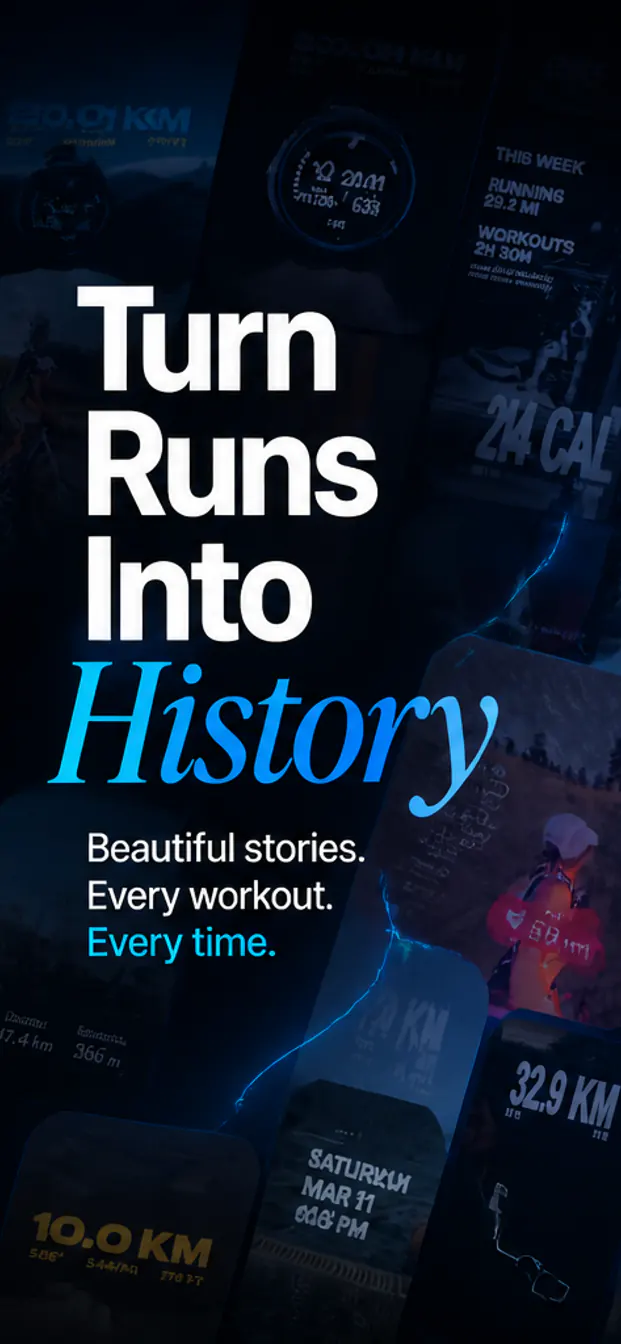
Create a strong first screenshot that introduces the core promise of the app and gives users a reason to keep scrolling.
App Store screenshot templates
Instead of picking a rigid template and forcing your app into it, AppShotty generates 1242x2688 layout directions from your raw screenshots, brand cues, app metadata, and target message.
Template logic
AppShotty treats each set like a small campaign, so the typography, color, screenshot scale, and copy can match the product rather than a one-size-fits-all template.
Create a strong first screenshot that introduces the core promise of the app and gives users a reason to keep scrolling.
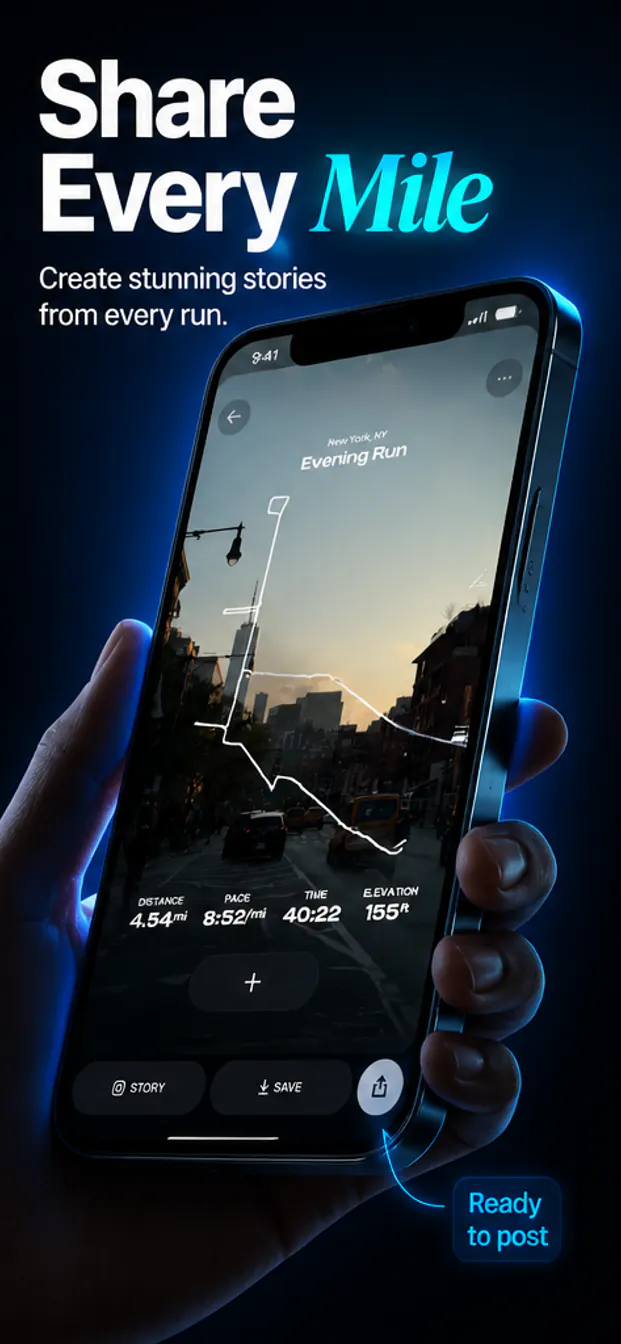
Turn individual app screens into focused panels that explain features, flows, results, or use cases.
Keep text hierarchy, device treatment, color rhythm, and visual framing consistent across the whole screenshot set.
Good for
Use AppShotty to create a screenshot direction that matches your product and exports polished 1242x2688 PNGs.